How This Actually Works
Two audiences, one profile page. Here's exactly what happens on both sides, stated plainly.
If You're Scanning the Sticker
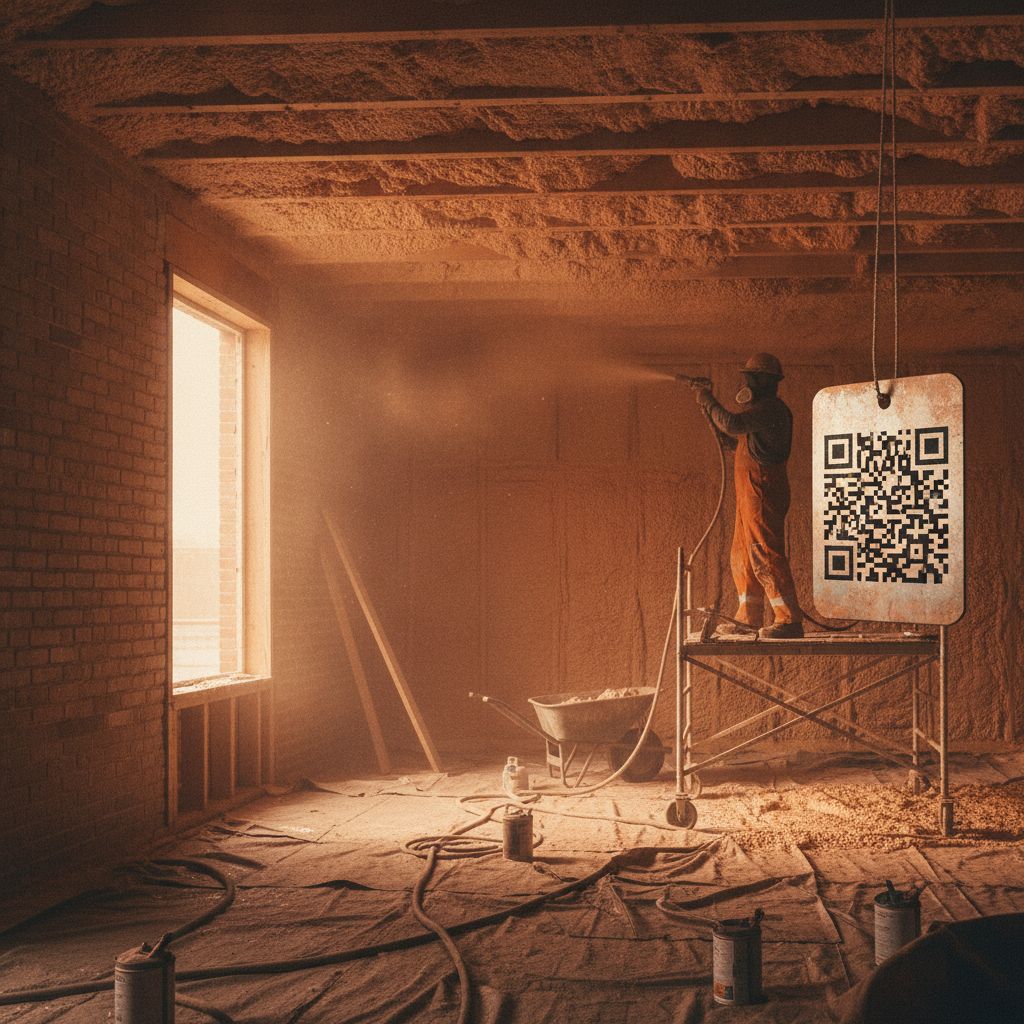
You saw a QR sticker on a spray foam truck or rig — maybe at your own house, maybe next door. Scanning it opens that specific contractor's public profile: business name, service area, years in business, license number, insurance status, and any certifications, plus photos of their completed work. No app, no login, no sales pitch in the way.
We deliberately never publish the underlying insurance certificate or a policy number on that page — those stay private. What you see is a plain-language status line instead, like “General Liability $2M — carrier on file.” If you need the actual document (a general contractor doing due diligence, for example), that's a direct request to the contractor, not a public download.
The Two Badges — Read This Before You Trust Either One
The contractor submitted this claim themselves. Nobody outside the business has independently checked it yet. This is the badge on every single credential on the directory right now.
CCA independently checked this specific claim against an outside source (the state licensing board, the insurance carrier, the certifying body) on the date shown. This badge does not exist anywhere on the site yet — independent verification isn't live as of this launch. When it is, this exact badge will start appearing on the specific claims we've actually checked, and nowhere else.
If You're a Contractor
You submit your business information, license, insurance details, and certifications through a short form. A real CCA team member reviews the submission — this isn't instant, self-serve publishing. Once it's live, your profile is a public, indexable page other people can find, and you can request a printed QR sticker sized for a truck door or rig panel.
We'll never publish your insurance certificate, policy number, or home address on the public page — only the summary status line. If you'd rather we didn't list a particular detail publicly at all, tell us during signup.
Ready to Get Listed?
Submit your business and credentials — a real person reviews it before anything goes public.